
Does Hades II Cross-Save Between Steam Deck and Switch 2?
By Sam Okafor
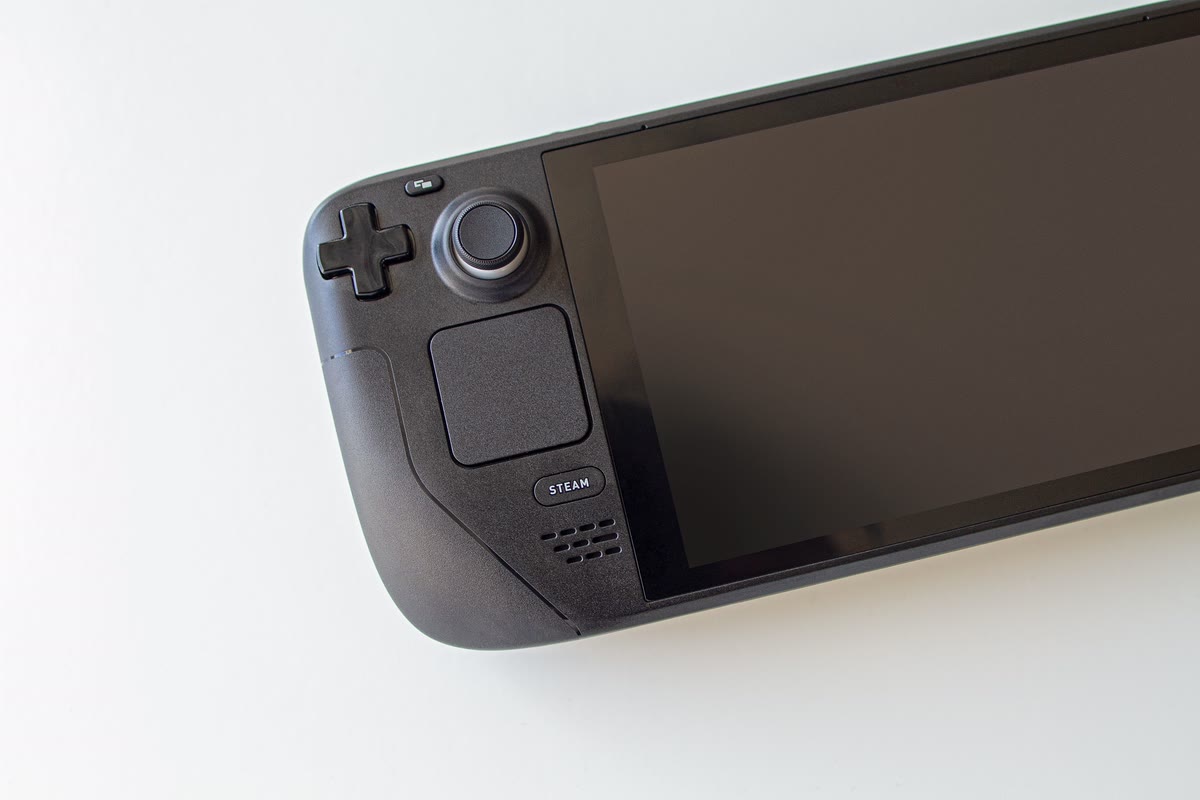
Yes, Hades II cross-saves — but only within one ecosystem. Steam, Epic Games Store, Nintendo Switch, and Nintendo Switch 2 all link to the same save through an in-game menu, so a Steam Deck and a Switch 2 carry your run back and forth cleanly. PlayStation 5 and Xbox Series X|S don’t connect to any of that. If you’re playing on either of those, your save is stuck there.
How the cross-save actually works
Supergiant built Hades II’s cross-save as a single linked save across four platforms: Steam, Epic Games Store, Nintendo Switch, and Nintendo Switch 2. It isn’t automatic the moment you own the game on two of them — you link accounts once, and after that, syncing largely takes care of itself.
To set it up:
- Boot the Nintendo Switch (or Switch 2) version first, before creating a fresh save on it.
- From the main menu, select the Cross-Saves option.
- Link your Steam or Epic Games account.
- From then on, your save syncs automatically each time you boot into Play on either platform, before you pick your profile.
The one mistake that costs progress: if you’ve already started separate saves on both a PC platform and a Switch before linking accounts, linking can overwrite one of them. Link first, play second, if you want both runs preserved. On PC there’s no separate “Cross-Saves” menu button — syncing happens automatically once the Switch side is linked, so the Switch is where the one-time setup step lives.
Where cross-save stops: PS5 and Xbox
This is the part worth being precise about, because Hades II shipped on more platforms than it cross-saves across. PlayStation 5 and Xbox Series X|S versions launched 14 April 2026, well after the original Steam/Switch release — and neither connects to the cross-save system. Supergiant’s own FAQ states it plainly: cross-saves work between Steam, Epic, Switch, and Switch 2, and “due to technical limitations, cross saves with other versions of the game are not available.”
That’s not a bug or an oversight to wait out. It’s Supergiant’s stated position on the current build. If you own Hades II on a PS5 or an Xbox, treat that save as fully separate from any Steam Deck or Switch 2 progress — there is no bridge, and no workaround that doesn’t involve starting over on whichever platform you didn’t start on.
The practical verdict
If your two devices are a Steam Deck and a Switch 2, or a Steam Deck and an original Switch, Hades II is one of the cleaner cross-save stories in this genre — link once, and the save follows you with no manual file wrangling. If a PS5 or Xbox is part of your setup, don’t count on that convenience: buy the game on whichever platform you’ll actually play it most, because there’s no getting your progress off it later. For the wider game-by-game picture across other titles, our cross-save guide for Steam Deck and Switch covers around two dozen verified titles, including where Hades II sits in that list. If you’re weighing the Steam Deck and Switch 2 as devices generally rather than just this one game, the Steam Deck vs Switch 2 buying guide covers that wedge.
The PC version, including for anyone setting up the Steam side of a Steam Deck/Switch 2 cross-save pair, is worth grabbing through a key reseller rather than full price. Hades II PC key